
Tools
Three tools for the small jobs.
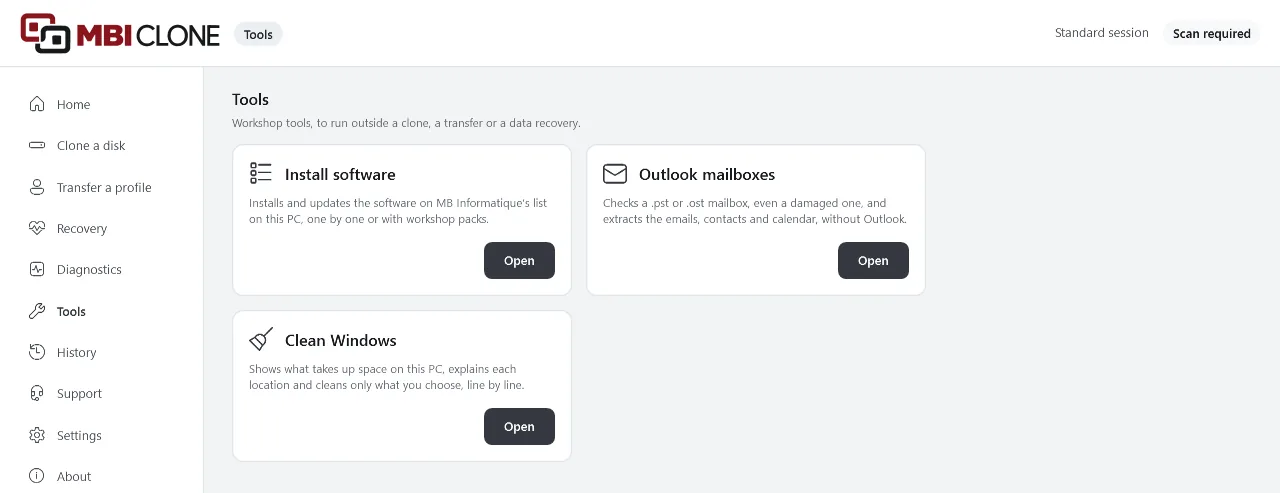
In MBI Clone, the “Tools” menu brings together three tools that save the workshop time.
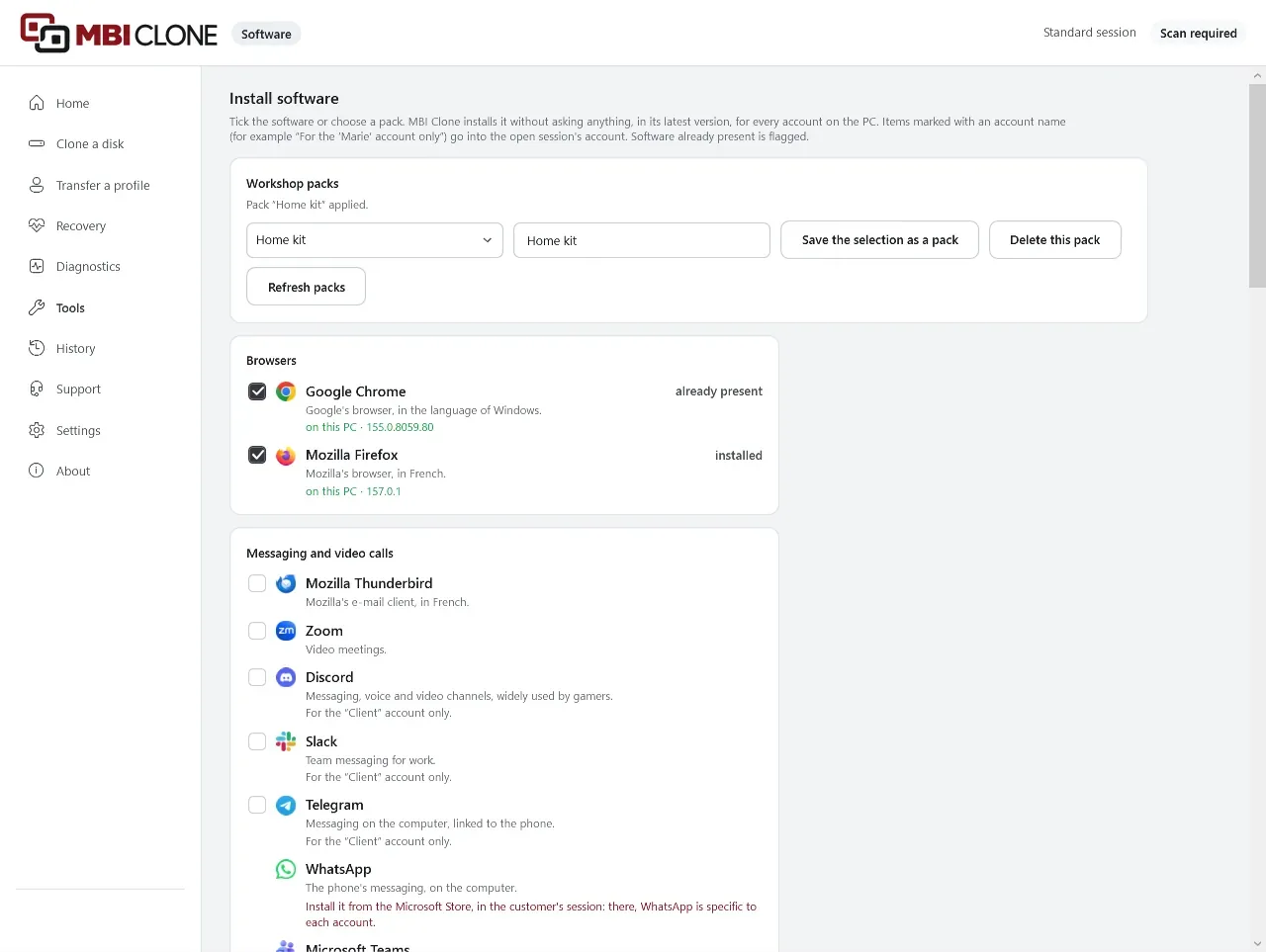
Install software
The customer’s software, installed in one go.
On a new or reinstalled PC, tick the customer’s software in a list of 44, or choose a pack you have prepared. MBI Clone installs them one by one, in their latest version.
- Browsers, email, office, security, utilities…
- Your packs, for example “Home kit” or “Business kit”, shared between the workshop computers
- Software that is free for personal use only is flagged
- Each line says whether the installation really worked
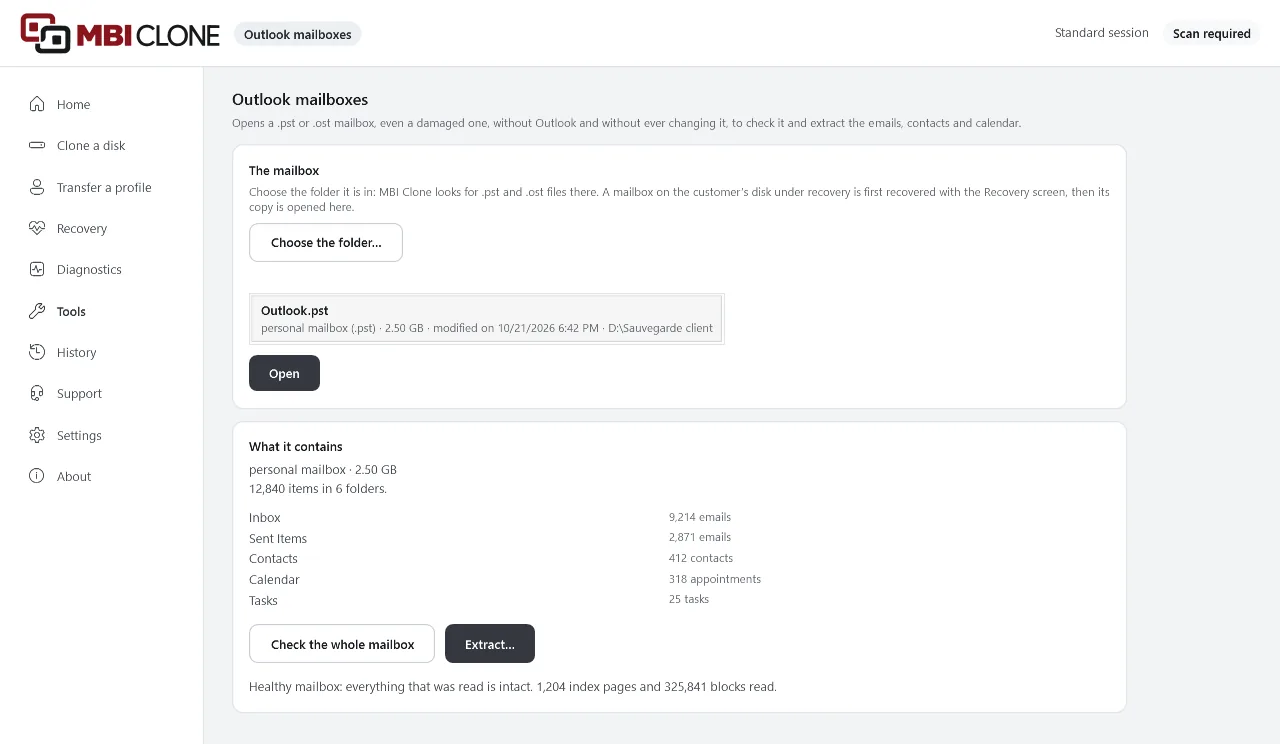
Outlook mailboxes
The emails from a damaged Outlook mailbox, without Outlook.
Open the customer’s .pst or .ost mailbox, even a damaged one. MBI Clone checks it without ever changing it, then gets the emails, contacts and calendar out into files that anyone can open.
- The emails, which open with a double-click
- The contacts, ready to put on a phone
- The calendar, recurring appointments included
- A password-protected mailbox opens too
- A report of what could not be saved
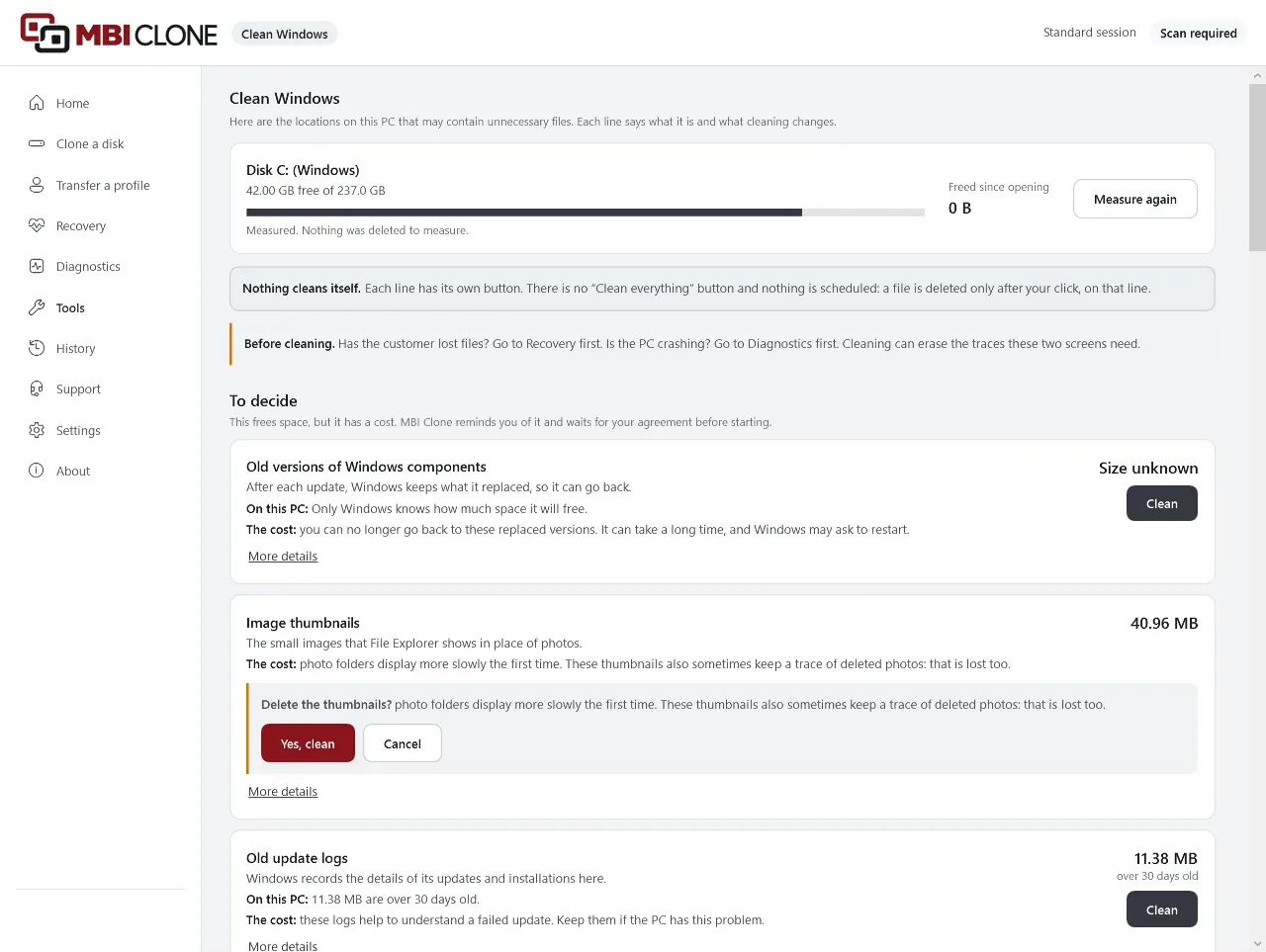
Clean Windows
Free up space on a full disk, line by line.
MBI Clone measures first, without deleting anything. Each line says what it is and what the customer loses. Nothing is deleted without your click on its line.
Rebuilds itself
Temporary files, browser caches, old error reports: one click is enough.
To decide
Recycle Bin, previous Windows installation, restore points: the screen restates what the customer loses, and waits for your “Yes”.
To look at with the customer
Their downloads and iPhone backups: MBI Clone shows how much space they take, and you decide with the customer.
Never
Passwords, the registry and the files Windows needs: no button.
- Before cleaningHas the customer lost files, or does their PC crash? Go through Recovery or Diagnostics first.
- Not a secure eraseA cleaned file can still be recovered. For a disk you are handing back, use Diagnostics to erase it.
- On a healthy PCCleaning often frees up little space. Promise nothing about the PC’s speed.
Equip your workshop.
Launch price until 31 March 2027: a one-month pass at €30 excl. VAT without renewal, a monthly subscription at €30 excl. VAT or an annual subscription at €300 excl. VAT. One licence per company covers an unlimited number of technicians, computers and migrations. Updates are included.